
Daykit
 Daykit
Diary, contacts, listings and leads — all on your phone.
A free work organiser for people whose work is other people. Tell Daykit what you do and it adapts: estate agents get listings and deals; consultants, tradespeople, tutors and salon or studio owners get the tabs and vocabulary that fit their day.
The Android and iOS apps are being prepared for Google Play and the App Store. Store links will be added here when the listings are public.
Built to stay out of your way
Everything lives on your phone
Your contacts, diary, notes, listings and deals are stored in a database on your device. They are never uploaded to our servers, and Daykit keeps working with no signal.
Sign in once
Sign in with Google, Facebook or Apple once per device and you stay signed in. There is no password to remember.
Free, no ads, no tracking
Daykit is free. It has no ads, no in-app purchases, and no analytics or tracking software inside the app.
What you get
One screen for what needs doing now, and the rest a tab away.
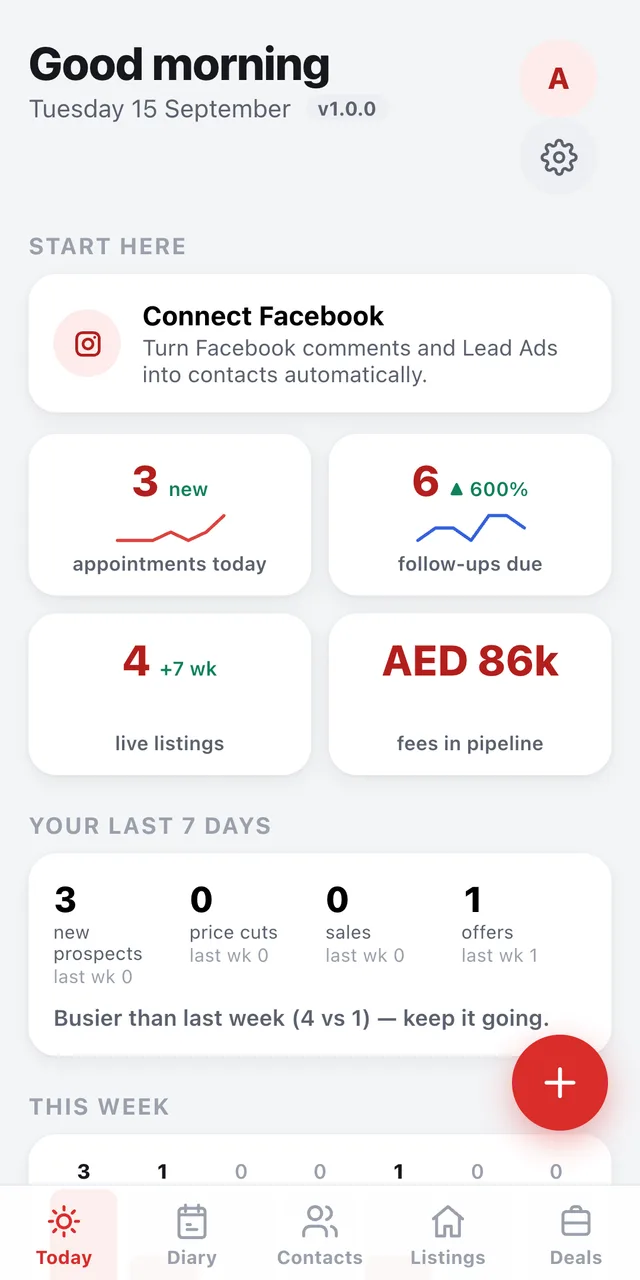
Today
Today's appointments, follow-ups that are due, who to message next with a suggested opening line, a seven-day review of new prospects, price cuts, sales and offers, and the fees in your pipeline.
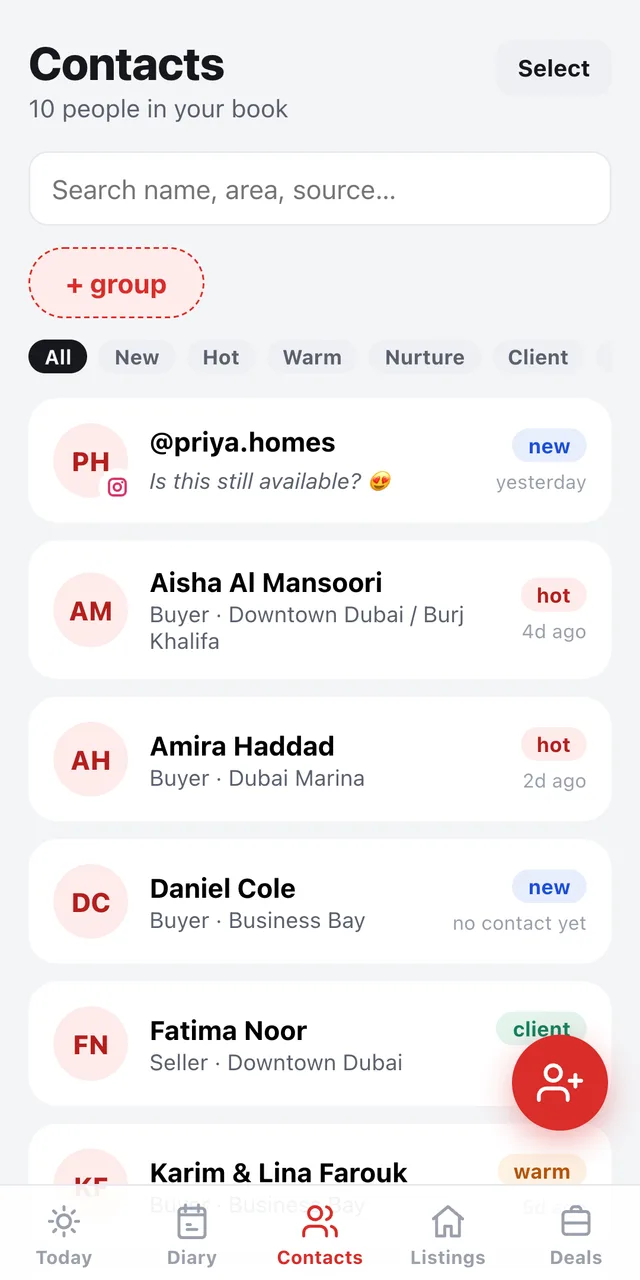
Contacts
Import from your phone book in seconds: search, tick several people and add them under one label. Every contact has a stage (new, hot, warm, nurture, client, past), a timeline of calls, WhatsApps and notes, and one-tap call or WhatsApp. Group contacts however you like.
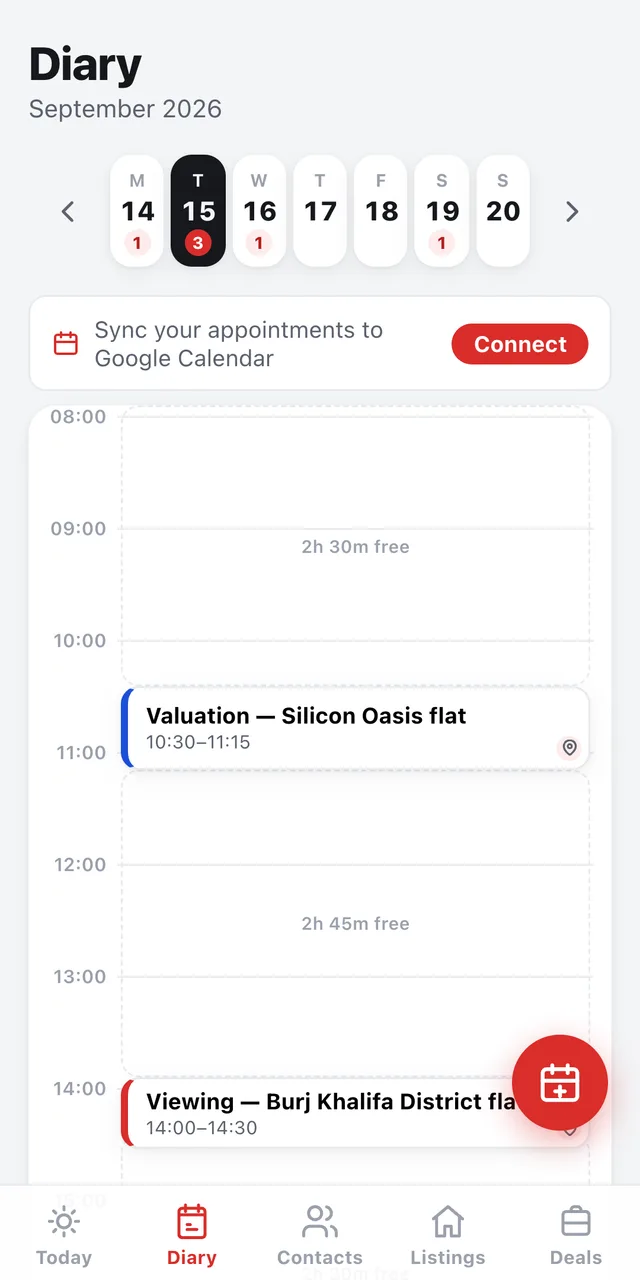
Diary
Appointments and follow-ups day by day. Connect Google Calendar if you want your Daykit appointments in your Google calendar and your Google events alongside your Daykit diary. Daykit can also write to your phone's own calendar when you allow it.
Listings (estate agents)
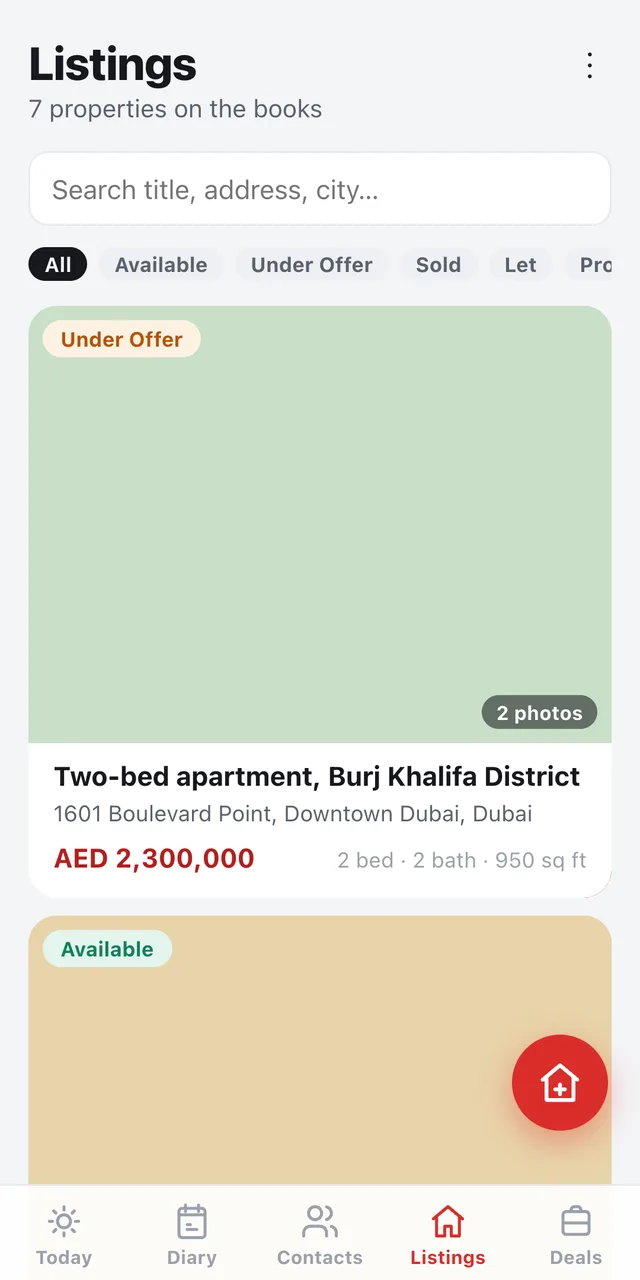
Your stock with photos, a walkthrough video, price, beds and baths, status and notes, plus one-tap directions in Google Maps or Waze.
Deals and offers
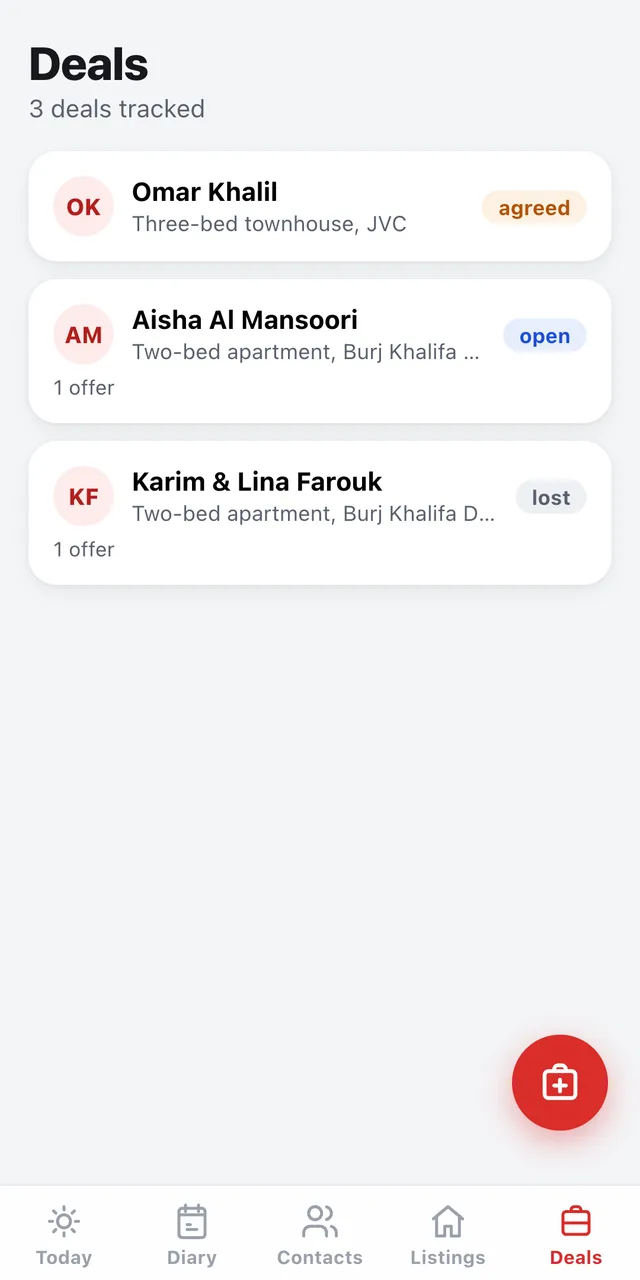
Log an offer against a listing and it becomes a deal. Track it from open to agreed, won or lost, set your own fee percentage, and see the fees in your pipeline on the Today screen.
Leads from Facebook and Instagram
Connect your Facebook Page or Instagram business account and comments on your posts become contacts, with the comment text and a link back to the post they came from. Optional lead alerts notify you the moment one arrives.
Also in the box
- My Links: your booking page, valuation form, WhatsApp and other links kept one tap away and ready to share.
- Back up your whole book to a file and restore it on a new phone.
- Delete my account and Clear social leads, both in Settings.
- Light, dark or system theme.
- Currencies: AED (default), GBP, USD, EUR and INR.
Pick what you do, and Daykit adapts
On first run you choose a role. The tabs you see, what a contact is called, and whether you track listings or just deals all follow from it.
A look inside
Light theme, demo data, real screens from the app.
Your data
Daykit is local-first. The short version: your book stays on your device, and only what is needed to sign you in and deliver your leads reaches our servers.
Stays on your device
- Contacts you add, and phone contacts you choose to import
- Listings, photos and walkthrough videos
- Diary, appointments and follow-ups
- Interaction history: calls, messages, meetings and notes
- Entries Daykit writes to your phone's calendar
Reaches our servers (Microsoft Azure, Central India)
- Sign-in identity: email, display name and the provider's user ID. If you use Sign in with Apple and hide your email, we receive Apple's relay address instead.
- Device and session records, so the app can stay signed in.
- Access tokens for a Facebook Page or Instagram account you connect, and a refresh token for Google Calendar if you connect it.
- Social leads: the enquirer's name, phone and email where provided, the comment text, and the caption and link of the post the comment was left on.
Google Calendar
If you connect Google Calendar, Daykit creates, updates and deletes the appointments it makes in your primary Google Calendar, and reads events in the date range shown on your screen so they appear alongside your Daykit diary.
Event content is used only to display and manage your appointments in the app. It is not stored on our servers, not used for advertising and not shared with anyone.
Daykit's use of information received from Google APIs adheres to the Google API Services User Data Policy, including the Limited Use requirements.
Deleting your data
Use Settings → Delete my account in the app, or email privacy@xvio.ai from the address you signed in with. Uninstalling the app deletes the on-device book; we hold no copy of it.
Try Daykit in your browser
The installable web app runs on any phone today. Sign in with Google, Facebook or Apple to start.
Daykit is published by ExonPro Innovations LLP (LLPIN ABB-5575, India). App id in.exonpro.daykit.